EVERYDAY TOOLS
Make something. Move forward.
START WITH WHAT YOU NEED
Everyday work.
A familiar place.
From the first draft to the file you share, keep useful tools close at hand.
Read the Easywan guides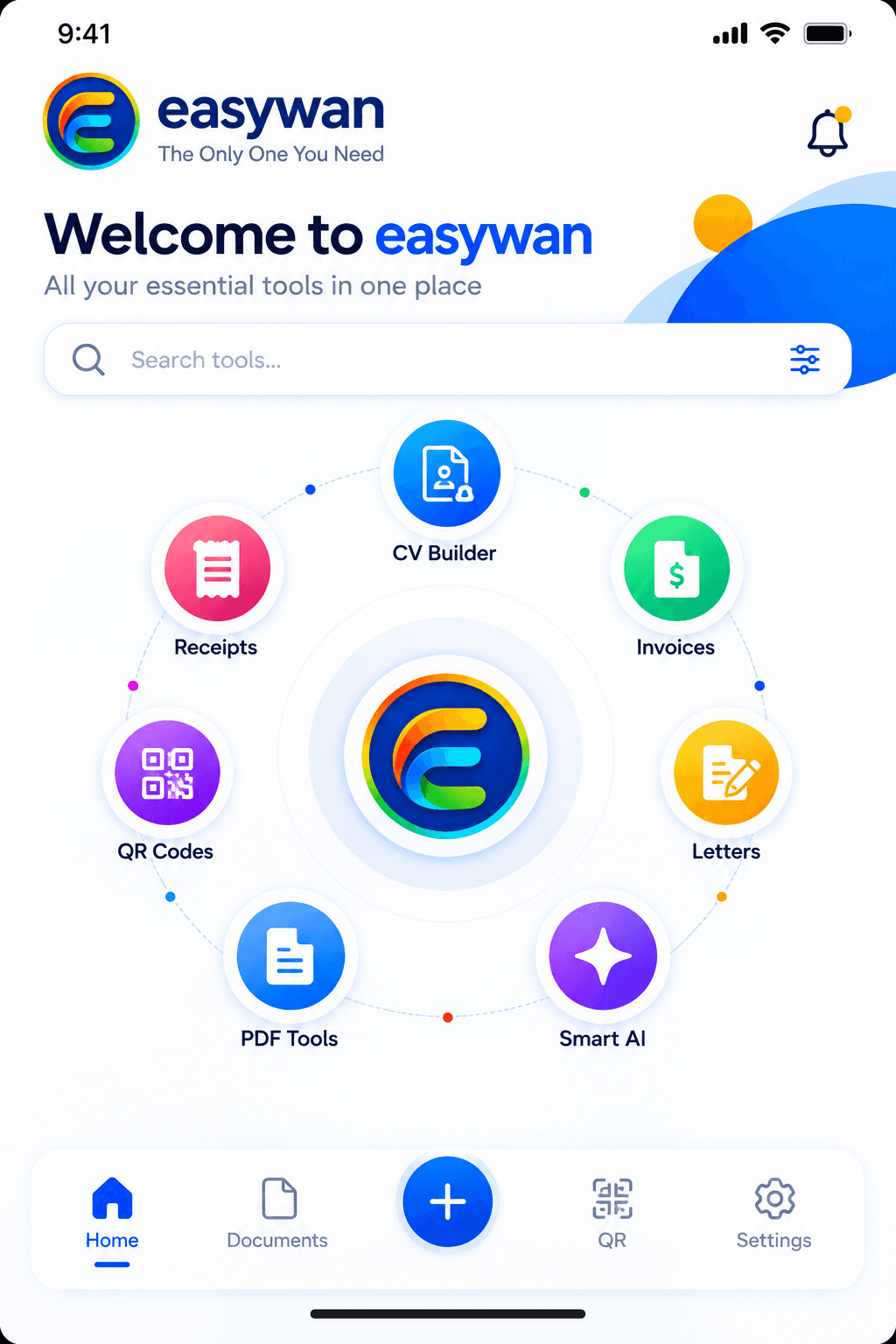
01 / DOCUMENTS & DESIGN
Make it yours.
Receipts · Invoices · CVs · Letters · Letterheads · Business Cards · Certificates · ID Cards · Invitations
A growing collection of document and design tools for work, education, organizations and special occasions. Certificates, ID cards and invitations are part of the planned mobile app lineup, alongside receipts, invoices, CVs, letters, letterheads and business cards.
02 / CERTIFICATE DESIGNS
Certificates
Completion · Achievement · Appreciation · Participation · Recognition
Celebrate learning, achievement and contribution with certificate designs planned for the mobile app. Personalize recipient names, award details, organization information and dates, with supported options for signatures, stamps or a blank signature line for printing. These designs do not certify accreditation or verified qualifications.
03 / ID CARD DESIGNS
ID Cards
Schools · Teams · Organizations · Events · Memberships
Create a consistent identity for your school, team or event with the planned ID-card builder. Designs will support personal and organization details, photos and supported front-and-back layouts. These are organization and event cards, not government-issued identity documents.
04 / INVITATION DESIGNS
Invitations
Events · Celebrations · Personal occasions
Invitation designs are joining the mobile app lineup. Choose a design for your occasion and personalize the event details for the people you want to invite. The available collections, customization and export options will be announced with the builder’s release.
05 / PDF & SCANNING
Bring paper into your workflow.
Scan Document · Extract Text / OCR · PDF tools · Images to PDF
Capture paper, pull out useful text and prepare PDFs. Keep originals and check extracted text before using it.
06 / QR & SHARING
One scan. A new connection.
Create QR · Scan QR
Build a QR code around the content you want to share. Check its destination and test the code before printing.
07 / SMART AI
A little help goes a long way.
Contextual help · Drafting · Writing improvements
Get focused assistance inside Easywan. Review suggested changes before you apply them.
08 / BUSINESS & PRODUCTIVITY
Set up once. Use again.
Smart Profiles · Customers · Products & Services · Signatures & Stamps
Reuse your saved business details, customers, products, signatures and stamps in supported workflows. Keep your information consistent across documents without entering it again.
09 / TEMPLATE EXPERIENCE
See it. Choose it. Create it.
Browse · Preview · Edit · Customize · Export
The next mobile update is designed around choosing a template before entering your details, then personalizing its supported colours and fonts. Switching designs should keep your entered information. Template availability and export options will be confirmed for each released builder.
10 / MY DOCUMENTS
All your creations, organized.
Saved work · Search · Categories · Export
The planned My Documents update brings saved work, category counts and recent documents together, with clearer search and document actions. Multi-document PDF and ZIP exports are also planned. Saving to Photos, Files or sharing apps will depend on your device and permissions.
A little less busywork.
Make room for
what’s next.
Easywan brings the everyday tools you need into one simple place.
Coming soon for phones & tablets.